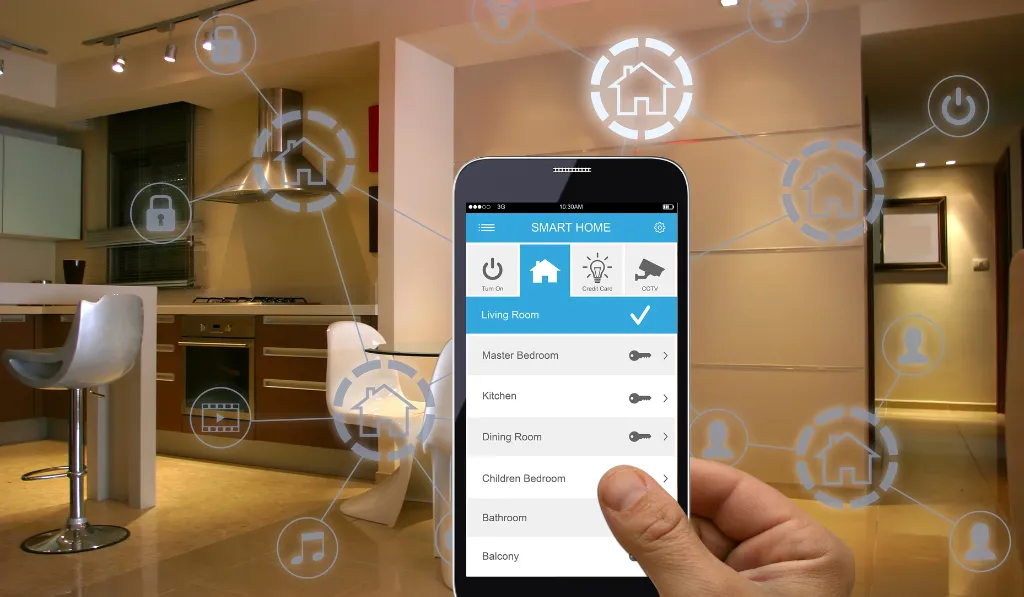
Office Automation
Reels Smart Technologies · Dubai
Office Automation Solutions in Dubai
Coordinate meeting technology, lighting, climate, access, and selected workplace systems around the way your organization operates.
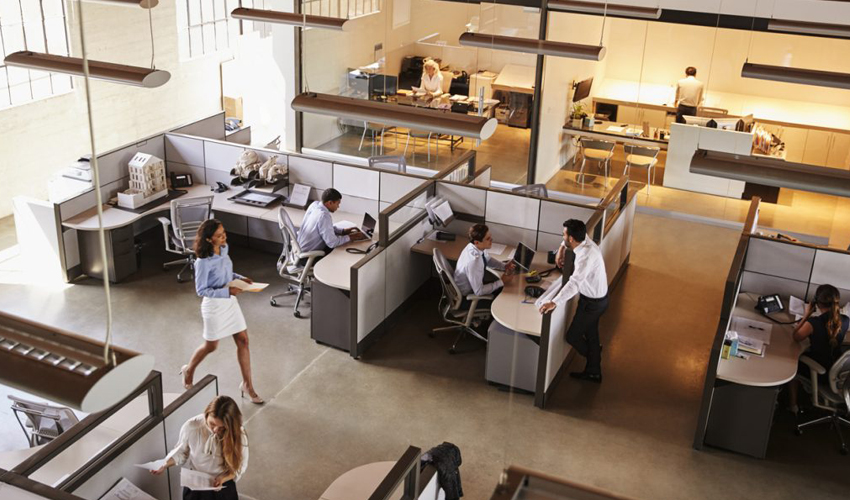
A workplace that responds to its people
A more connected
working environment.
An automated office should make everyday tasks easier for the people using it. Meeting rooms, staff areas, reception, and shared spaces can have different needs for communication, comfort, access, and equipment control.
Reels Smart Technologies plans office automation in Dubai around the workplace, its existing systems, and the intended scope. Start by identifying the tasks you want to improve and the platforms already used, then select compatible functions rather than expecting every system to connect automatically.
Discuss your requirements →
Choose the functions that matter
Meeting rooms, comfort,
access, and everyday operation.
Meeting rooms and AV
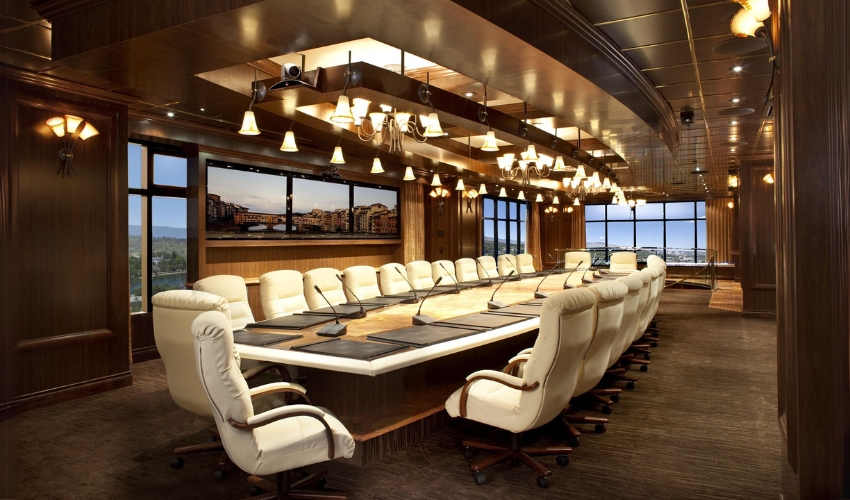
Plan displays, conferencing equipment, presentation inputs, and supported room controls around the meeting format. Clear interfaces and the right audio coverage help users start and manage meetings more easily.
CCTV and access control
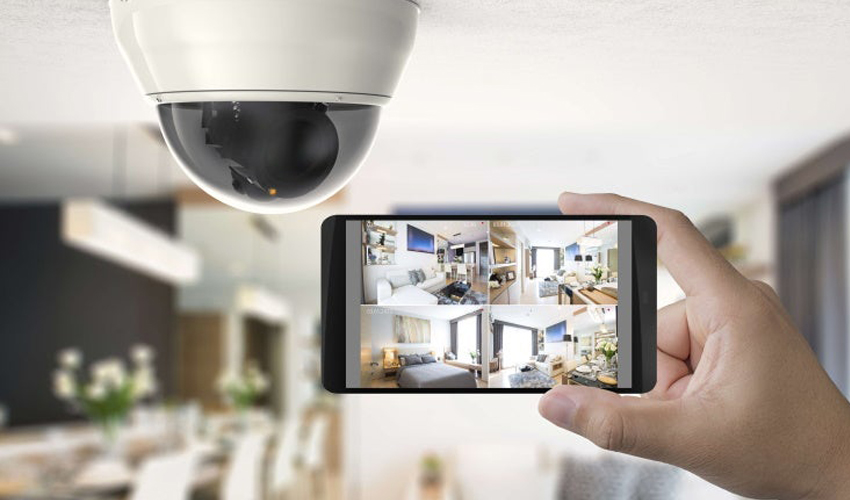
Review camera coverage, recording requirements, door hardware, and user permissions as related but distinct parts of the workplace design. Integrations should be specified for the exact products and functions required.
Time and attendance
Where attendance equipment is included, define the users, reporting needs, and any required business-system interfaces. Confirm supported integration with the relevant software vendor rather than assuming payroll compatibility.
Lighting and shades
Coordinate suitable lighting scenes and motorised coverings for meeting rooms and work areas. The fittings, sensors, motors, controls, and physical installation requirements should be reviewed together.
AC and climate settings
Define the zones and operating hours before selecting climate interfaces. Supported scheduling and control functions depend on the installed AC equipment and should be configured around occupancy and comfort.
Interactive screens
Select collaborative displays around the software, input methods, visibility, and meeting use. Check device and application compatibility, mounting access, and the practical way staff will share content.
Background audio and PA
Plan background music and routine announcements for the required areas. Zones, source selection, speaker coverage, and paging priorities should match the premises and the selected equipment.
System management
A wider building or automation platform may coordinate supported functions. Define who manages accounts, settings, and updates, and confirm integration boundaries before the scope is agreed.
Start with a clear scope
Start with the workplace.
Coordinate its systems.
Map your operational needs
Share floor plans, staff numbers, working hours, meeting-room use, and existing systems. Identify the specific tasks or recurring problems the automation project should address.
Coordinate with fit-out work
Discuss electrical routes, network points, screen and speaker locations, door hardware, and ceiling access before the interior is completed. Existing offices may need a phased installation plan.
Prepare the handover
Agree equipment documentation, user training, administrative access, support contacts, and responsibility for changes. Clear ownership is important when several vendors or departments manage the workplace.
Share the property layout, your existing equipment, and the functions you want. These details help the team assess a practical scope and explain the work, products, and support included in a proposal.
Discuss your projectA connected delivery process
From the first discussion
to everyday use.
Consultancy
Review the space, existing systems, and the tasks you want to improve before agreeing the project requirements.
Explore service →Design & engineering
Coordinate equipment, connections, controls, installation access, and the functions supported by the proposed system.
Explore service →Installation & programming
Install the agreed equipment, configure supported functions, and test the installation against the defined scope.
Explore service →Handover & support
Review everyday operation, documentation, administrative access, and the warranty or support terms applicable to your project.
Explore service →Plan related systems together
Explore
connected solutions.
Audio Visual Solutions in Dubai

Home & Office Network Solutions in Dubai
CCTV & Security Systems in Dubai
Useful answers before you choose
Your questions,
answered clearly.
What can office automation include?
A project may include meeting-room AV, lighting, shades, climate controls, access, CCTV, attendance equipment, and background audio. The exact scope should follow the workplace and confirmed product compatibility.
Can existing office systems be retained?
An assessment can identify equipment that remains suitable and compatible. Provide the current models, software platforms, problem areas, and desired functions before deciding on replacements.
Can lighting and AC follow working hours?
Selected controls may support schedules and occupancy-related functions. The underlying equipment, zoning, sensors, and platform must support the behaviour required for each area.
Can attendance equipment connect to payroll software?
Only where supported interfaces and configuration are available for the specific products and software. Confirm requirements with the relevant vendors before including an integration in the scope.
Can work be planned around an operating office?
Installation can be discussed in stages according to access, working hours, and the project requirements. Agree expected disruption, dependencies, and testing arrangements before work begins.
What affects an office automation quotation?
The number of rooms, systems, control points, equipment, integrations, network work, wiring, fit-out conditions, and training requirements all affect the scope. A defined requirements list is more useful than a generic package price.
Have a question about your Dubai property or project? Speak with the Reels team.