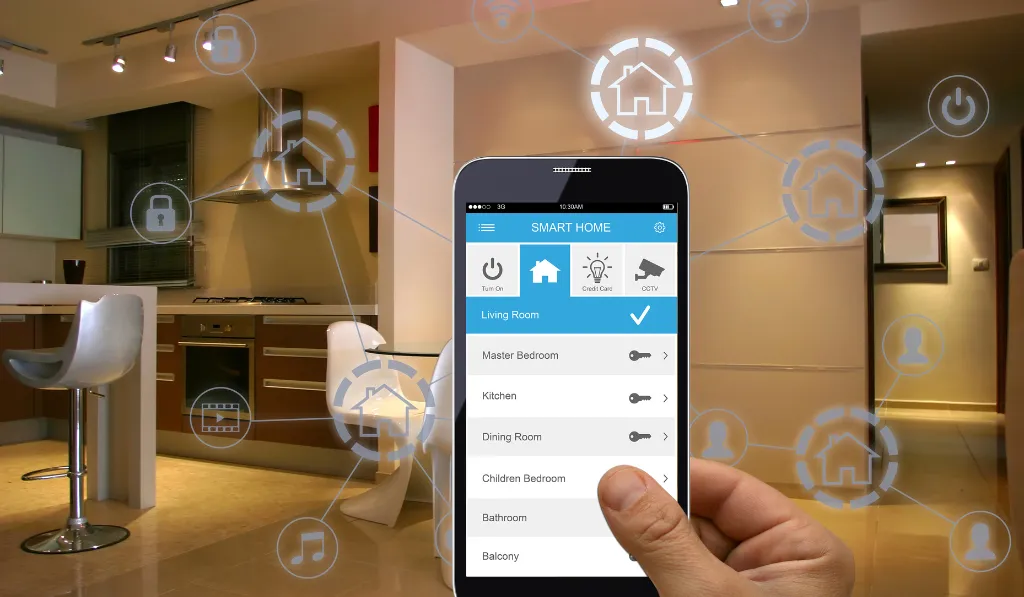
Home & Office Network Solutions
Reels Smart Technologies · Dubai
Home & Office Network Solutions in Dubai
A dependable network connects the technology you use every day. Plan the cabling, equipment, and coverage around your home, office, and connected systems.

The foundation of a connected space
A stronger foundation.
For every connection.
Streaming, video calls, cameras, smart controls, and business devices all rely on the network behind them. A connection that works for one laptop may not be suitable for a villa with several entertainment areas or an office with shared systems.
Reels Smart Technologies provides home and office network solutions in Dubai, with planning and support shaped around the property. The starting point is understanding your users, equipment, layout, and priorities, then choosing a practical wired and wireless design.
Discuss your requirements →
Choose the functions that matter
Network infrastructure,
planned as a whole.
Network assessment
Review the current internet handover, router, switches, cabling, and connected devices. Identifying the source of slow performance helps distinguish a local network issue from a service-provider or individual-device problem.
Wired connections
Plan suitable wired connections for equipment that benefits from a stable physical link, such as workstations, displays, access points, and selected automation devices. Cable routes and accessible equipment locations should be coordinated before finishes are fixed.
Equipment and organization
Select routing and switching equipment around the required connections and expected use. Labelled connections and a documented layout make it easier to understand the installation, troubleshoot issues, and plan later additions.
Support for connected systems
Home automation, CCTV, audio/video, and business applications may place different demands on the network. Review their requirements together so that each system has the connections and management arrangements it needs.
Start with a clear scope
Plan the connections.
Then choose the equipment.
Homes and villas
Share the number of floors, rooms, outdoor areas, and connected systems. A floor plan helps identify cable routes, equipment space, and where wireless access points may be required.
Business environments
Describe staff numbers, shared applications, meeting rooms, guest access, and operating hours. Agree which systems need separate access arrangements and what support is included in the project.
Growth and maintenance
Consider future devices and room changes before specifying every connection. Ask for the equipment list, network documentation, administrative access arrangements, and the agreed support scope at handover.
Share the property layout, your existing equipment, and the functions you want. These details help the team assess a practical scope and explain the work, products, and support included in a proposal.
Discuss your projectA connected delivery process
From the first discussion
to everyday use.
Consultancy
Review the space, existing systems, and the tasks you want to improve before agreeing the project requirements.
Explore service →Design & engineering
Coordinate equipment, connections, controls, installation access, and the functions supported by the proposed system.
Explore service →Installation & programming
Install the agreed equipment, configure supported functions, and test the installation against the defined scope.
Explore service →Handover & support
Review everyday operation, documentation, administrative access, and the warranty or support terms applicable to your project.
Explore service →Technology and integration
Featured
technology brands.
Equipment selection should follow the project requirements. Confirm the supported models, connections, and integrations for your proposed system.
 Denon
 Triad
 Pakedge
 Cisco
 tedee
 Ruckus
 Ubiquiti
 Yamaha
 QNAP
 Peplink
 Araknis
 HP
 HDL
 Jung
 Bose
 Sonance
 Sonos
 Bowers & Wilkins
 Control4
 Lutron
 RTI
Product selection is project-specific. Confirm the supported models and interfaces for the functions you need. Explore our partners
Plan related systems together
Explore
connected solutions.
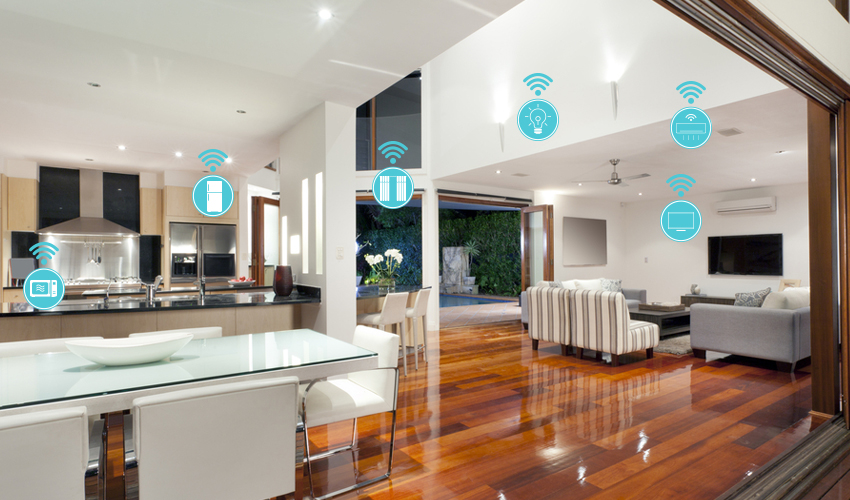
Wi-Fi Solutions in Dubai
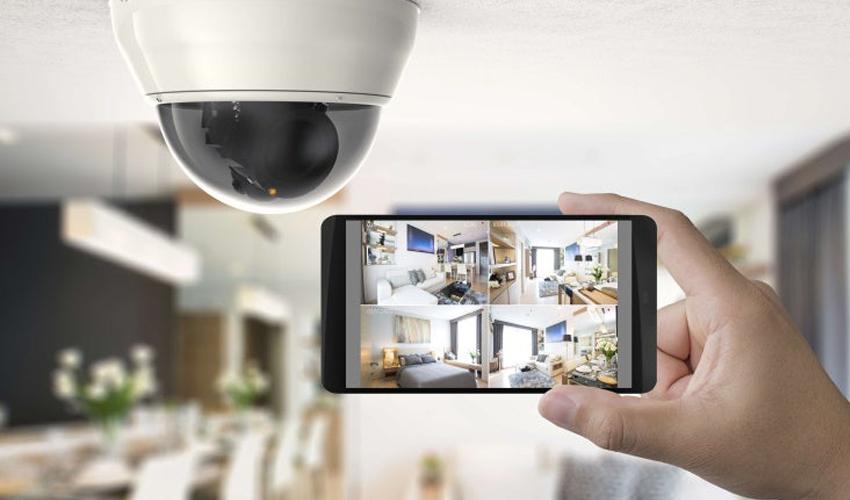
CCTV & Security Systems in Dubai

Office Automation Solutions in Dubai
Useful answers before you choose
Your questions,
answered clearly.
Is the network the same as my internet connection?
No. Your internet service brings connectivity to the property; the local network connects devices within it. Slow performance can arise from either side, so assessment should look at the service, local equipment, cabling, coverage, and affected devices.
Should important equipment use wired connections?
Wired links can be useful for fixed workstations, entertainment equipment, access points, and certain smart systems. The appropriate design depends on the device, cable access, and performance requirements; not every device needs a wired link.
Can you improve an existing office network?
An existing installation can be reviewed before deciding what to retain or replace. Share the current equipment, problem areas, user count, and applications so that upgrades can address the actual constraints.
Will a new router solve every connection problem?
Not necessarily. Coverage, cabling, access-point placement, device limits, congestion, or the internet service may be involved. Diagnosis should come before purchasing replacement equipment.
What affects the cost of a network installation?
The property size, cable routes, number of connections, equipment, access points, configuration work, and installation access affect the scope. A clear floor plan and device list help define a useful quotation.
Can the network support home automation and CCTV?
It can be designed around those requirements, but the selected devices and traffic must be reviewed. Agree connection, remote-access, and administrative arrangements with the relevant system installers.
Have a question about your Dubai property or project? Speak with the Reels team.